You need to start with a great performance
Before you begin to edit drum stems you have to make sure that you are working with tracks that were recorded close to a click. They need to be consistent. Tightening up the performance is something that is very invasive and requires a lot of time. If the drummer can’t put in the time to learn the parts then you should wait until they are ready to record their parts properly. Having this knowledge will make your life easier and should be something you think about during the preproduction stages of any record.

A note about the editing process.
The purpose of this type of editing is to identify the strong hits of the drum beat, split them into tiny parts, and then crop and align those small parts. The splits will depend on which part of the drum falls on each down beat.
In this tutorial Kicks happen every 1/4 note, snares every 2nd and 4th beat, and high hats on every 1/8th note. This happens for about 20 measures with various fills here and there and then it switches to a different pattern. We’ll move in measure by measure increments so that we don’t bite off more than we can chew at first.
Engage the metronome so that you can hear the pulse. This will help you check your work as you edit. Download the project files here (if you didn’t download them from our previous post) to get started:
Multi-Track Drum Editing Tutorial

Multi-track drum editing requires you to listen intently to the audio you’re editing. I recommend using headphones for this tutorial so that you can hear subtle edits. Erroneous edits are most exposed in the overheads, high hat, and cymbal frequencies so we’ll need to solo those as well as the kick and snare track while we work through this project.

As we work through the session the high hat and ride will need to be solo’d due to the spot mics that were placed on these. Everything else will follow suit with your editing.

You can also adjust your Track Height in the Track View by dragging the borders of the Continue reading “Multi-Track Drum Editing – Identifying & Splitting Drum Hits”


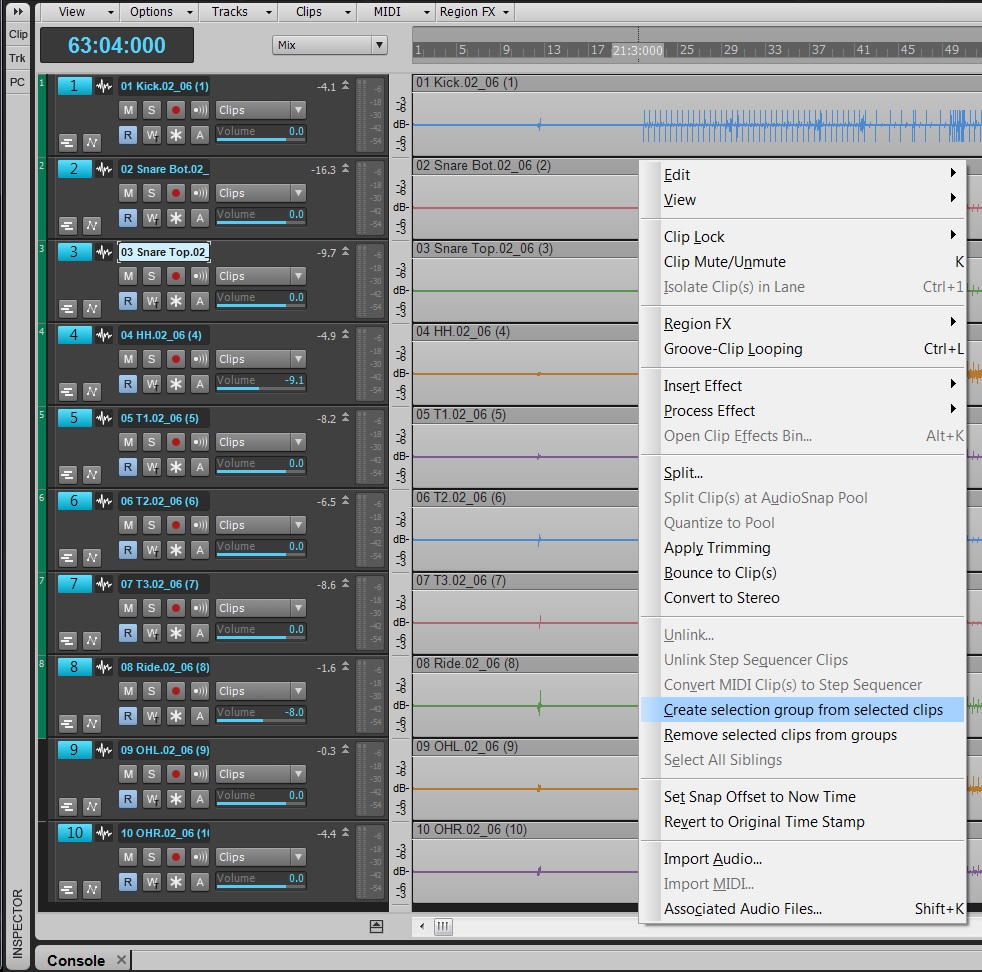
 Fig. 1: This lowpass filter response has a cutoff of 1100 Hz, and a moderate 24/dB per octave slope.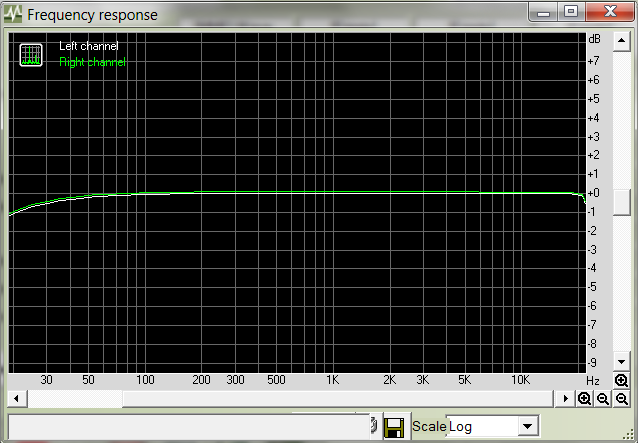
 Being projected as one of the biggest selling pieces of media in history is a pretty big deal. On November 9th 2010, Call of Duty®: Black Ops was released and is being labeled as just that; and
 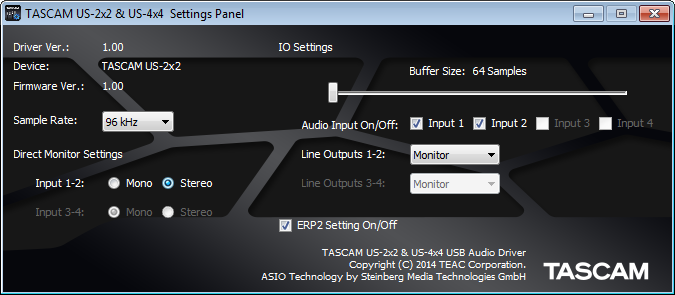 Fig. 1: The control panel for TASCAM’s US-2×2 and US-4×4 audio interfaces is showing that the sample buffer is set to 64 samples.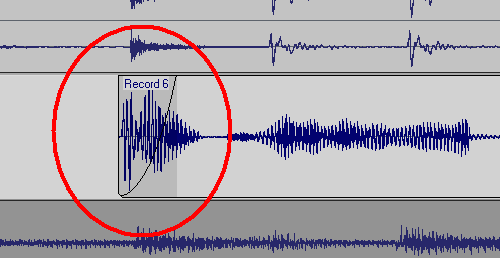
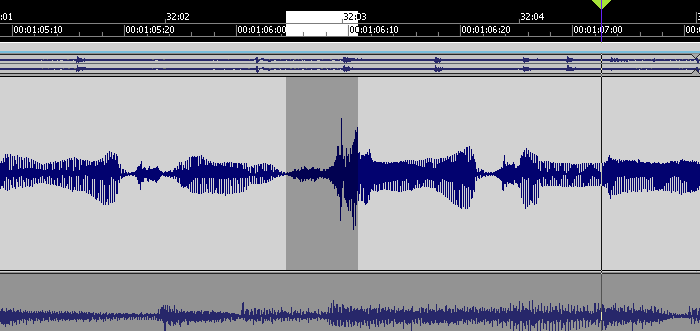 This peak is considerably louder than the rest of the vocal, but reducing it a few dB will bring it into line.
 The clip on the left has been normalized and faded out. The silence between clips has been cut away. The clip on the right fades in, but has not been normalized.